
More than entering results
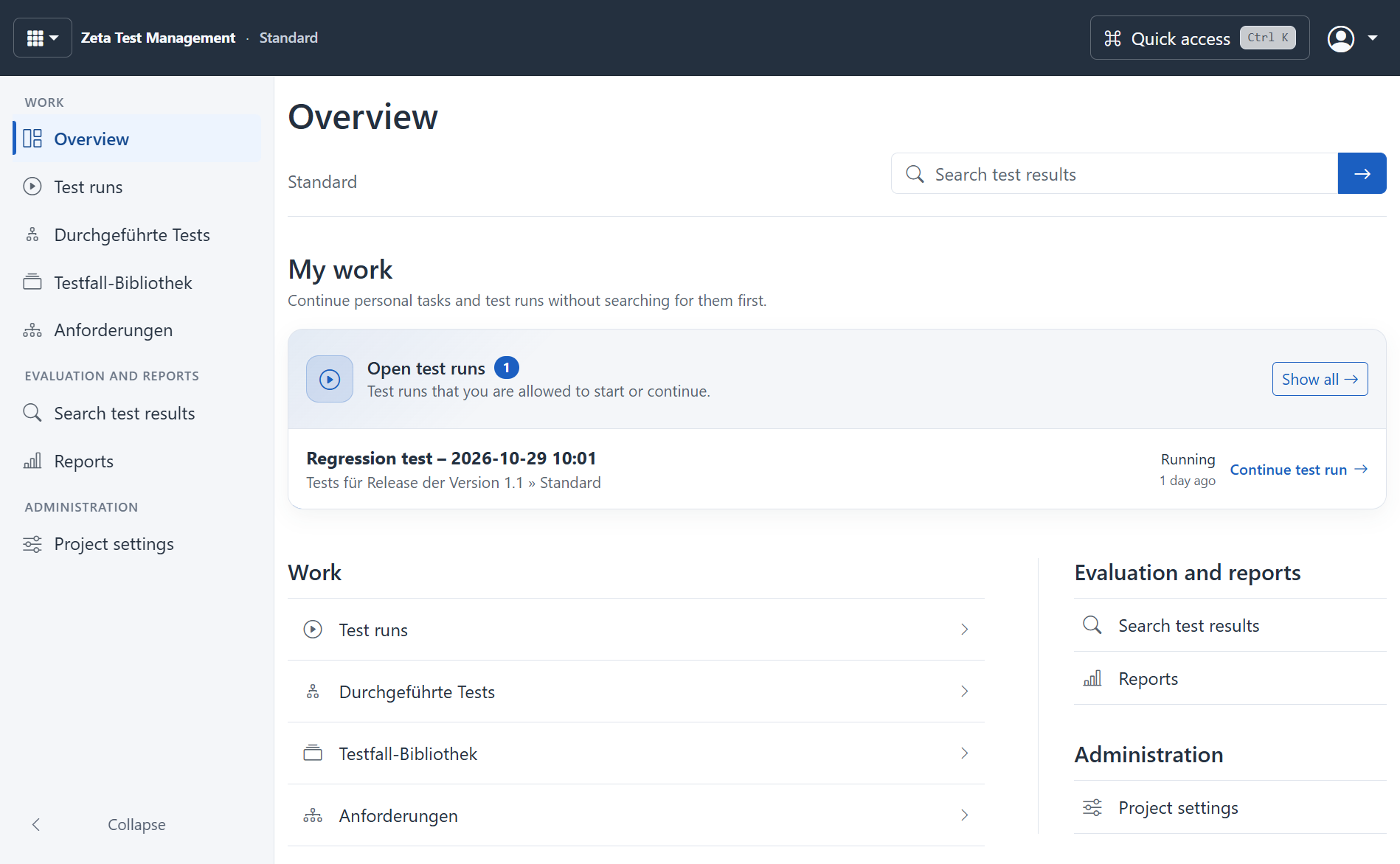
Version 6 makes the browser a full workspace for test management. Maintain requirements and your test-case library, create plans, execute tests and review results. Reviews, reporting and administration are part of the workflow too.
Your team works with a shared project record. Licences, roles, permissions and configuration determine which functions and content each person can access.
Choose the right way to work
Web access requires a configured server application. Users can then work in a supported browser without installing the Windows application on each workstation. The public demo gives you a first impression; it is not a place for confidential project data.
Windows remains an alternative for teams that want direct integration with local tools. High-DPI support and light, dark or automatic appearance adapt the desktop application to the workstation.
Connect local tools deliberately
Equivalent business workflows do not mean a browser can execute arbitrary Windows commands. Local command lines and Lua tools do not automatically become browser functions. An optional Local Bridge supports approved local actions and must be installed and restricted by your IT team.
Reporting also has defined boundaries. The visual REPX report designer is available on the web. External data sources use administrator-managed profiles; arbitrary embedded C# scripts are not executed.
Use AI in the project context
Optional project chat, quality checks and planning suggestions support your work. Providers, data transfer and access rights require prior approval. Read about AI and approvals.
Configure the web client · Open the demo · Explore the testing workflow