
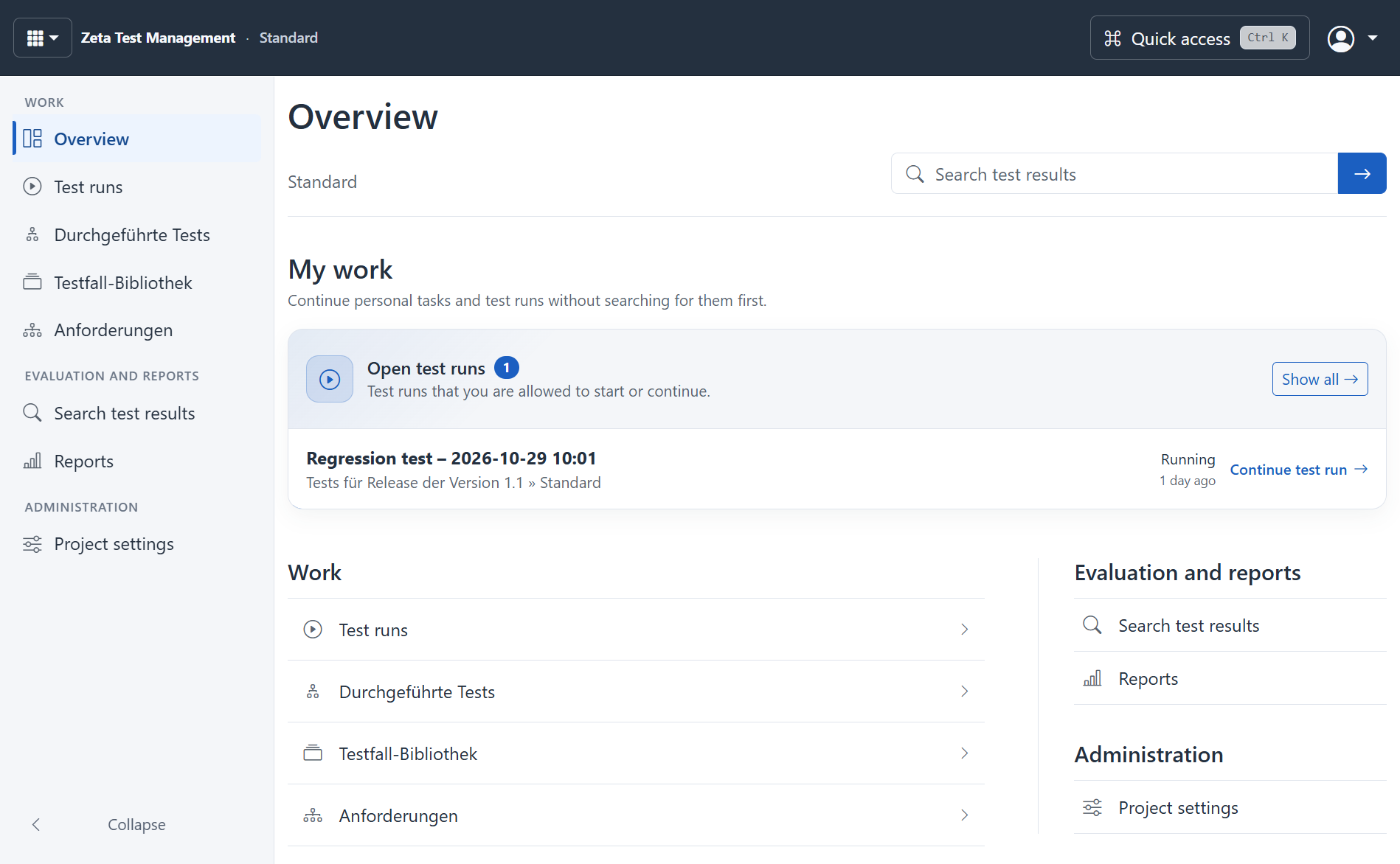
Connect requirements and test cases
Record requirements and link the relevant tests. In the test-case library, describe preconditions, test steps and expected results. Variants, custom fields and attachments capture your project's details. Quick tests help record smaller checks too. If you keep your cases in Excel, see how to prepare spreadsheet test cases for your library.
Build a plan from your library
Choose the test cases needed for a release or acceptance test. Assign test environments and organise execution in test runs. The library and the test plan serve different purposes: changes to templates are deliberately transferred into existing plans.
During execution, testers record statuses, comments and evidence. Configured bug-tracker integrations connect results with subsequent defect handling.
Understand progress and unresolved results
Dashboards, charts, search and reports help you assess the project. Identify outstanding work and results that need further review. The visual report designer is also available on the web. Administrators manage data sources and the permitted reporting functions.
Control collaboration
Users, groups, roles and object permissions govern access and editing. Reviews support the assessment of content. Project and personal settings adapt the application to your working practices.
These business functions are available in both Windows and the web client. Local tools and other operating-system integrations may require separate configuration in the browser.
Add AI when useful
Project chat, quality checks and suggestions for test cases or plans support preparation. Administrators define providers, approvals and limits. External AI use requires explicit approval and may incur additional provider charges.
Read the function scope · Explore the web client · Request a trial
Link findings to an issue tracker
When a test finds a problem, link the finding to an issue in the configured tracker. The team can then check the fix in its next test run. Available actions depend on the connector and your permissions.