
Prepare your tests
Capture requirements, reuse test cases and define variants for different environments.
From the first requirement to the final test run. Plan, test and document software quality together – on Windows and in your browser.
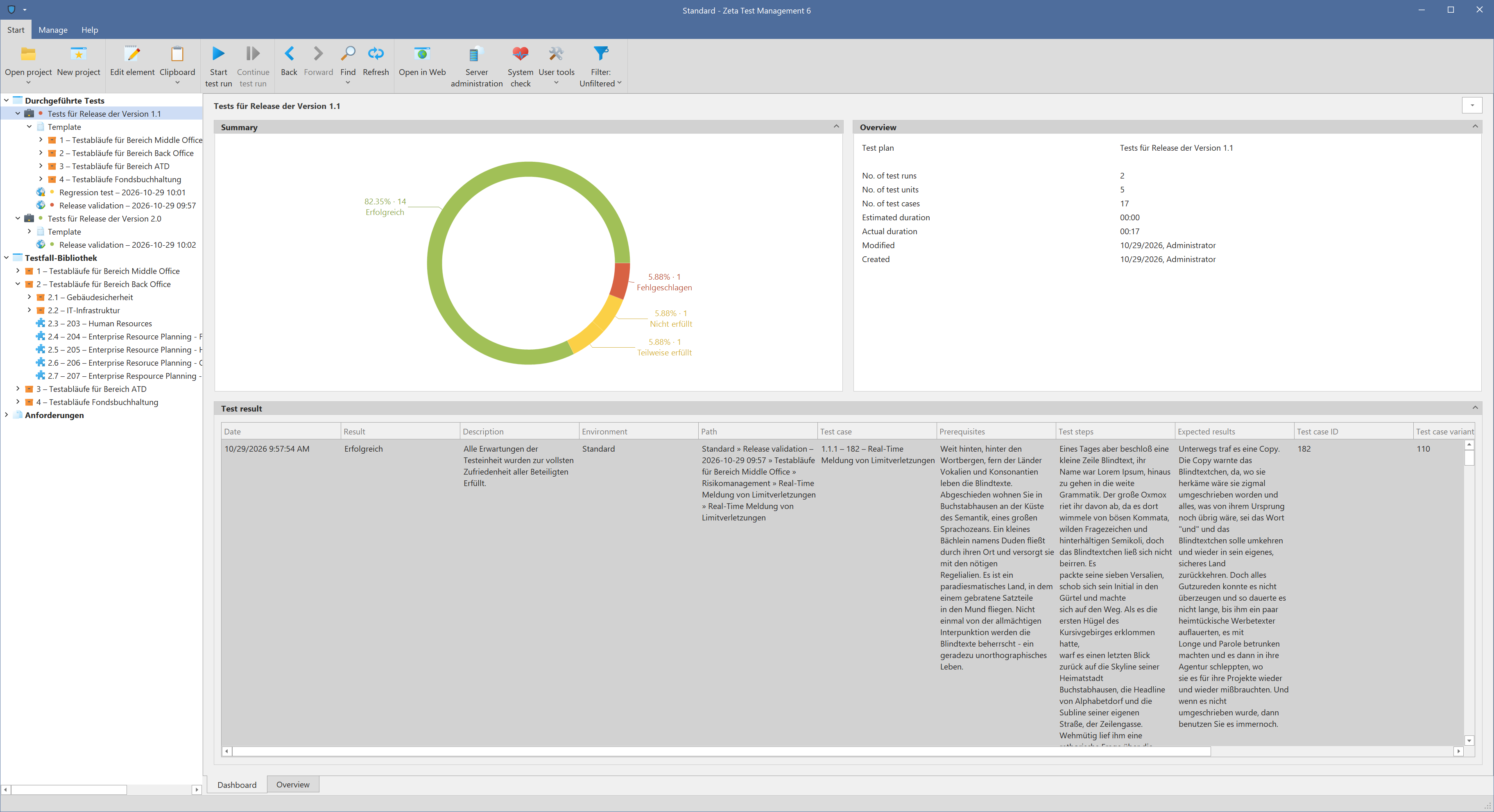
Keep requirements, test cases and results connected. Turn individual tests into traceable evidence for your next release decision.
Capture requirements, reuse test cases and define variants for different environments.
Plan test runs, assign work and record results with comments and attachments.
Review progress, failures and outcomes. Create reports for your team and release decisions.
Windows offers a familiar desktop workspace. The web client supports complete test management workflows, from requirements and test cases to reviews, reporting and administration.
Explore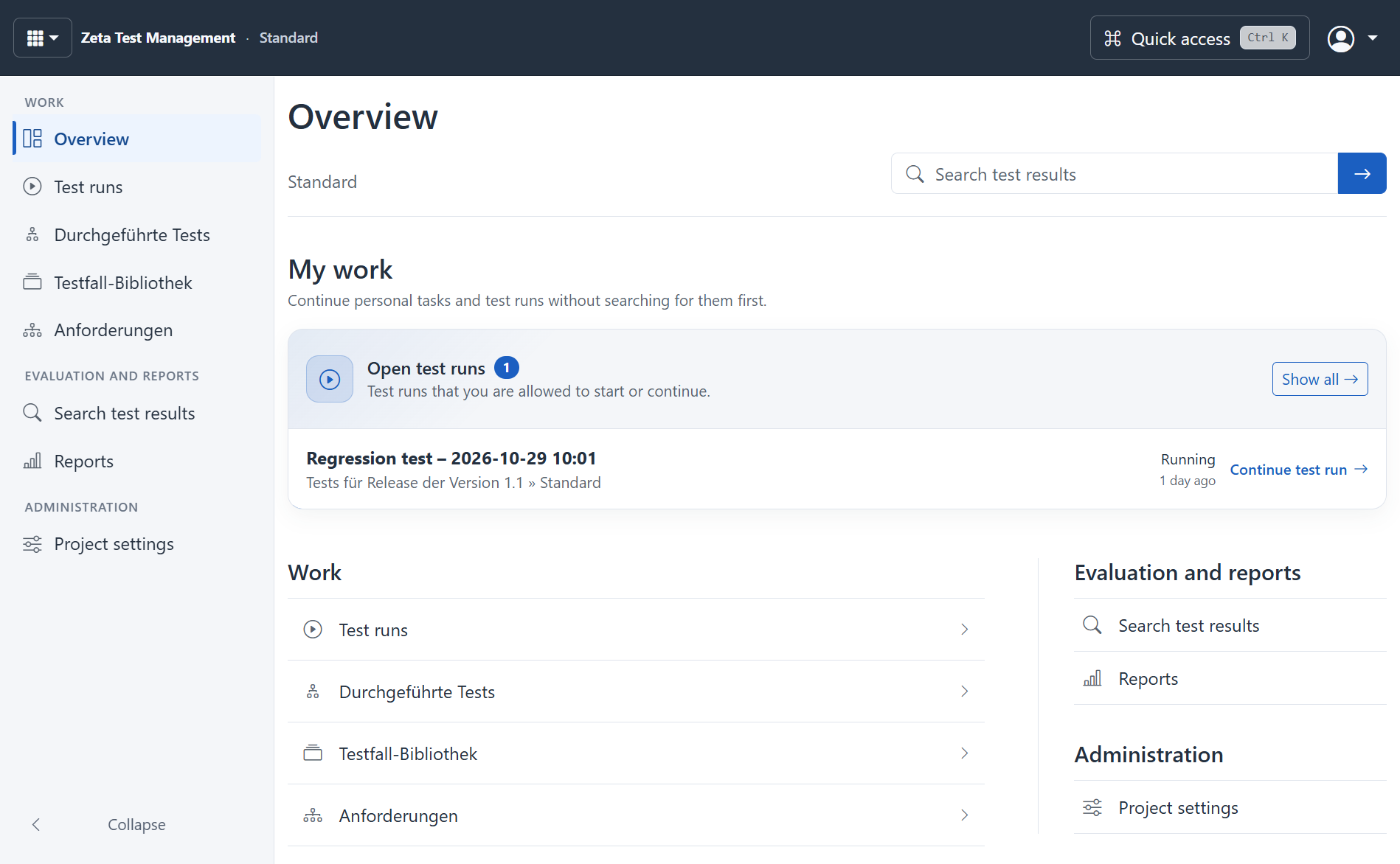
Use project chat to explore connections, or get assistance with requirements, test cases and test planning. Review generated results before relying on them.
ExploreYour administrator controls providers, access and permitted actions. Regular test management works without AI, too.
AI features and requirementsA new release brings questions: Are the requirements covered? Do existing workflows still work? Which problems remain open? Zeta Test Management gives those questions a shared home, with reusable test cases, documented test runs and results you can evaluate.
Whether you are running regression tests, acceptance tests or a recurring inspection process, your team works from a common test base instead of piecing results together from separate files. This worked example of a test case, plan and run shows how the same case can be used again at the next acceptance test.
Explore the web demo or try the Windows application in your own environment.